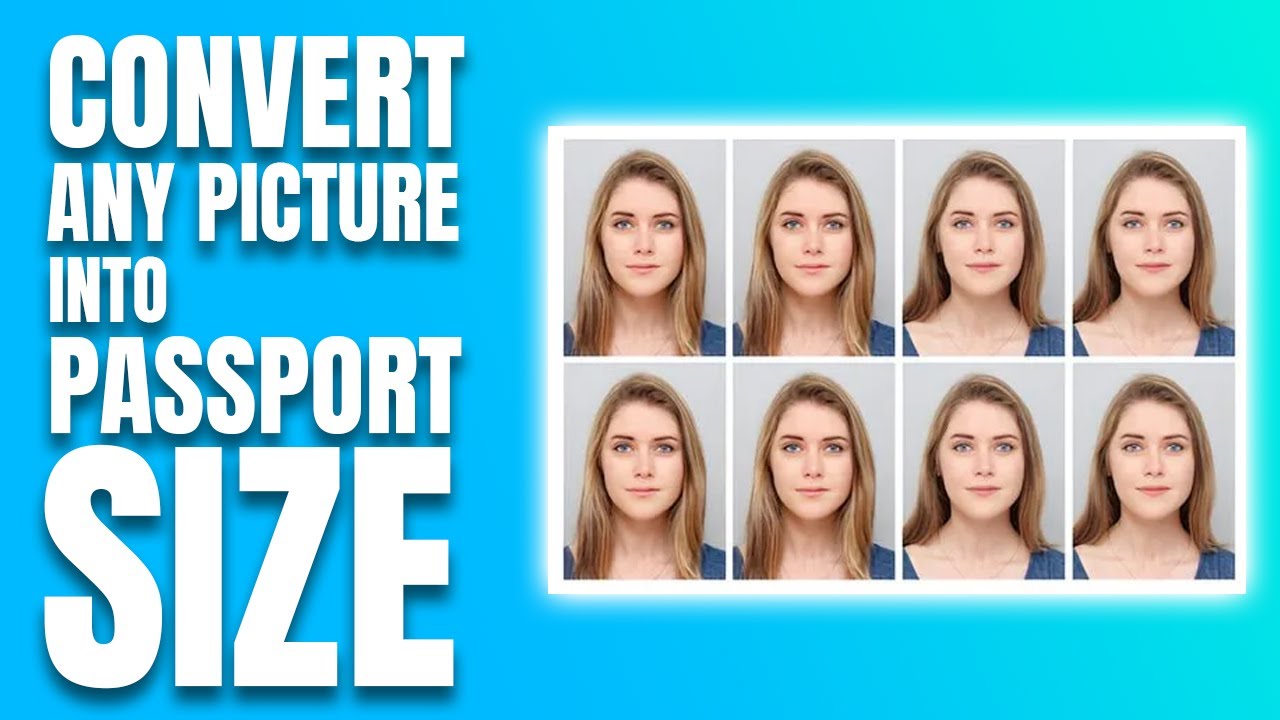
Getting a passport photo used to mean visiting a studio, waiting in line, and spending money. Today, you can do it all from your phone or laptop in just a few minutes.
Whether you need a photo for a passport, visa, ID card, or any official document, this guide will walk you through everything — the best free tools, step-by-step instructions, and practical tips to get it right the first time.
What Is a Passport Size Photo?
A passport size photo is a small, standardized portrait image used for official documents like passports, visas, driver’s licenses, and government IDs.
While every country has its own regulations, some sizes are widely repeated. For example, a 2 x 2-inch photo is a standard size used in the United States, India, Kenya, and Uganda. Other common sizes include 35 x 45 mm, used in the UK, Australia, Germany, France, and many other countries.
The photo must show your face clearly, usually against a plain white or light-colored background, with no shadows, glasses, or heavy filters.
Why Convert Photos Online Instead of Going to a Studio?
There are many good reasons why millions of people now prefer online tools:
- It saves time — You can get a ready photo in under 5 minutes
- It saves money — Most tools are completely free to use
- It’s convenient — Do it from home, on any device
- It’s accurate — AI tools automatically adjust size, crop, and background
You can adjust your photo anytime and anywhere directly from your tablet, laptop, or smartphone, with no need for a trip to a photo studio or booth.
Standard Passport Photo Requirements (Global Overview)
Before you convert your photo, it helps to know the basic rules most countries follow:
- Size: A passport-size photo is generally 35mm x 45mm, though this can vary by country.
- Background: Plain white or off-white
- Expression: Neutral, mouth closed, eyes open and looking straight at the camera
- Lighting: Even lighting with no harsh shadows on the face
- Recency: Your photo should typically be taken within the last six months of your application.
- File size: Most online submission portals require an image size of around 50KB for upload.
Always check the official requirements for your specific country before submitting.
Best Free Tools to Convert a Photo into Passport Size Online
Here are some of the most reliable and widely used tools available right now:
1. Fotor Passport Photo Maker
With Fotor’s AI passport photo maker, you simply upload a selfie, click “Generate,” and the AI converts the picture into a passport photo. It also automatically crops your photo and allows you to place yourself on a background of any color you choose. It supports standards for the USA, UK, EU, India, and more.
2. PhotoAiD
PhotoAiD allows you to upload or take a photo, let the AI check and fix it, have a compliance expert verify the result, and then download or order a print — all done in about 3 minutes. It’s a great option if you want an extra layer of human verification.
3. Passport Photo Online
Passport Photo Online has been trusted by more than 1 million users worldwide. It helps you resize, crop, or convert an existing photo into a digital passport-size format and also lets you create a photo from scratch.
4. Pi7 Passport Photo Maker
Pi7 offers custom size selection, including predefined sizes like 3.5cm x 4.5cm or 2×2 inches. It also includes background removal, brightness and contrast adjustment, and printing options for A4 sheets. It even includes outfit customization options.
5. Atlys Visa Photo Maker
The Atlys tool automatically adjusts your photo to meet official visa requirements and provides two ready-to-use passport-sized photos. It is free to use and is regularly updated with the latest guidelines.
Step-by-Step: How to Convert a Photo into Passport Size Online
Here is a simple process that works with most online tools:
Step 1 — Take or choose a clear photo Use a recent photo with good lighting. Face the camera directly, keep a neutral expression, and make sure your full face is visible.
Step 2 — Visit a trusted online passport photo tool Choose one of the tools listed above. No account or registration is usually needed.
Step 3 — Upload your photo Click the upload button and select your image from your phone or computer.
Step 4 — Let the AI do the work The AI system checks the image’s validity, automatically resizes it, and removes or adjusts the background if necessary.
Step 5 — Review and adjust Check the result. Most tools allow you to fine-tune the crop, background color, or brightness.
Step 6 — Download your photo Save the final image in JPEG format, ready for online submission or printing.
Comparison of Top Passport Photo Tools
| Tool | Free to Use | AI-Powered | Background Removal | Print Option |
|---|---|---|---|---|
| Fotor | Yes | Yes | Yes | Yes |
| PhotoAiD | Yes (basic) | Yes | Yes | Yes |
| Passport Photo Online | Yes | Yes | Yes | Yes |
| Pi7 | Yes | Partial | Yes | Yes |
| Atlys | Yes | Yes | Yes | No |
All tools listed above are safe, legal, and widely used by people around the world.
Pros and Cons of Converting Passport Photos Online
Pros
- Fast and easy — done in minutes
- Free or very low cost
- Works on any device including smartphones
- AI ensures correct size and background
- No need to leave home
Cons
- Photo quality depends on the original image you upload
- Some countries may have very strict requirements that need manual review
- Printing from home may not always match professional print quality
- Free versions of some tools may add watermarks or have limited features
Practical Tips for the Best Passport Photo Results
Follow these simple tips to avoid rejection and get the best result:
Use natural light. Stand near a window with soft daylight. Avoid strong shadows on your face or background.
Use a plain background. A white wall or light-colored surface behind you works best. Most tools can remove and replace the background automatically, but a clean background gives better results.
Look straight at the camera. Keep your head level, eyes open, and expression neutral. Avoid smiling or tilting your head.
Wear appropriate clothing. Avoid white tops, as they can blend into the background. Glasses are not allowed in most passport photos.
Check official requirements. Eligible applicants submitting photos digitally, such as for US passport renewal, need a photo sized between 600 x 600 pixels (minimum) and 1200 x 1200 pixels (maximum). Always verify requirements for your specific document and country.
Avoid heavy filters. Your photo must clearly show your natural skin tone and facial features. Filters and heavy edits can cause rejection.
Frequently Asked Questions (FAQs)
Q1: Can I use a selfie to make a passport photo online? Yes. Most AI-powered passport photo tools allow you to upload a selfie and automatically convert it into a compliant passport photo, with proper size and background. Just make sure the selfie is well-lit and shows your full face.
Q2: Is it safe to upload my photo to these online tools? Reputable tools take privacy seriously. For example, Fotor states that it will not share your personal information with third parties. Always use well-known, trusted platforms and read their privacy policies before uploading.
Q3: What size is a standard passport photo? The most common passport photo size is 35mm x 45mm, though requirements vary by country. The USA uses 2×2 inches (51x51mm). Always confirm the correct size for your country before submitting.
Q4: Can I print the passport photo at home after converting it online? Yes. Most tools allow you to download a print-ready image. You can get the image in formats like A4 or Half-A4, with multiple copies arranged on a single sheet, ready to print. For best results, use a photo printer or take the file to a local print shop.
Q5: Do these tools work on mobile phones? Absolutely. You can easily adjust your photo anytime and anywhere directly from your tablet, laptop, or smartphone. Most tools work through a browser without needing to install anything.
Conclusion
Converting any photo into a passport size photo online is easier than ever. With the right tool, the whole process takes just a few minutes, and the results are accurate, professional, and ready to use.
Whether you are applying for a passport, visa, student ID, or any official document, free online tools have made studio visits unnecessary for most people.
Choose a trusted tool, follow the basic photo guidelines, and always double-check your country’s official requirements before submitting.
Explore the tools mentioned in this guide to get started and create your perfect passport photo from home today.
This article is for informational purposes only. Always verify official photo requirements with the relevant government authority before submitting your application.